
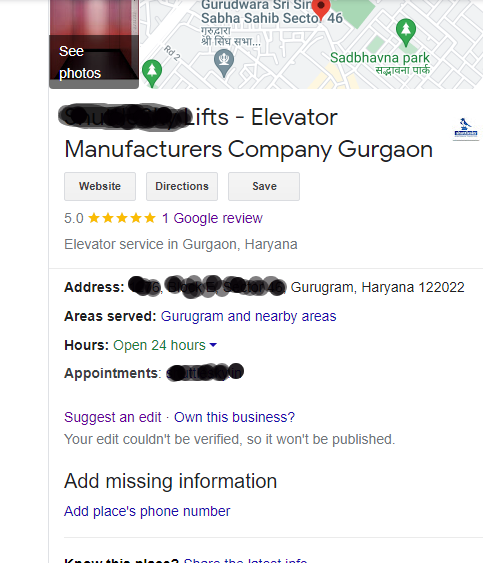
It is seen that with many attempts, phone number doesn’t added and Google shows us a message like –
“Your edit couldn’t be verified, so it won’t be published.”
6 common things to follow to get phone number added to any Google Map
- Associated with many listings, Number should be unique
- Suggest an edit (Local guides will help, no spam email)
- Add mobile number to Gmail id
- Add phone number to all pages including contact us page
- Create local business listings on other sites with phone number
- Revoke GMB access from other tools
If nothing work, contact GMB support team through dashboard
